Aws RDS with Docker and EC2
I am a DevOps Engineer working in MNC. Where I automate Infrastructure using various DevOps tools and AWS Cloud.
How I Hosted a Node.js Frontend and Backend with Docker on AWS EC2 and Connected it to AWS RDS
Introduction
I recently set up a project where I hosted a Node.js frontend and backend on an AWS EC2 instance using Docker. The backend connected to a MySQL database running on AWS RDS to store data. This setup made deployment smoother and scalable. In this blog, I’ll explain how I did it step by step.
What I Used
Frontend & Backend: Node.js with Express.js
Database: AWS RDS (MySQL)
Hosting: AWS EC2 with Docker
Extras: Nginx for handling traffic, Docker Compose for managing containers, and GitHub Actions for CI/CD
Setting Up AWS RDS
Before setting up the EC2 instance, I created a MySQL database using AWS RDS:
Logged into AWS RDS and created a MySQL database.
Chose the Free Tier for cost savings.
Set the security group to allow connections from my EC2 instance.
Created a database and saved my credentials for later.

Deploying the Backend with Docker on AWS EC2
I hosted the backend on an EC2 instance inside a Docker container.
Started an EC2 instance (Ubuntu or Amazon Linux)

Installed Docker and Docker Compose:
Pulled the docker image from the Docker Hub.
 sudo yum install docker -y
 sudo systemctl start docker
 sudo docker pull philippaul/node-mysql-app:02
Run the Image pulled from Docker Hub.
docker run --rm -p 80:3000 -e DB_HOST="your_hostname" -e DB_User="admin" -e DB_password="password" -d philippaul/node-mysql-app:02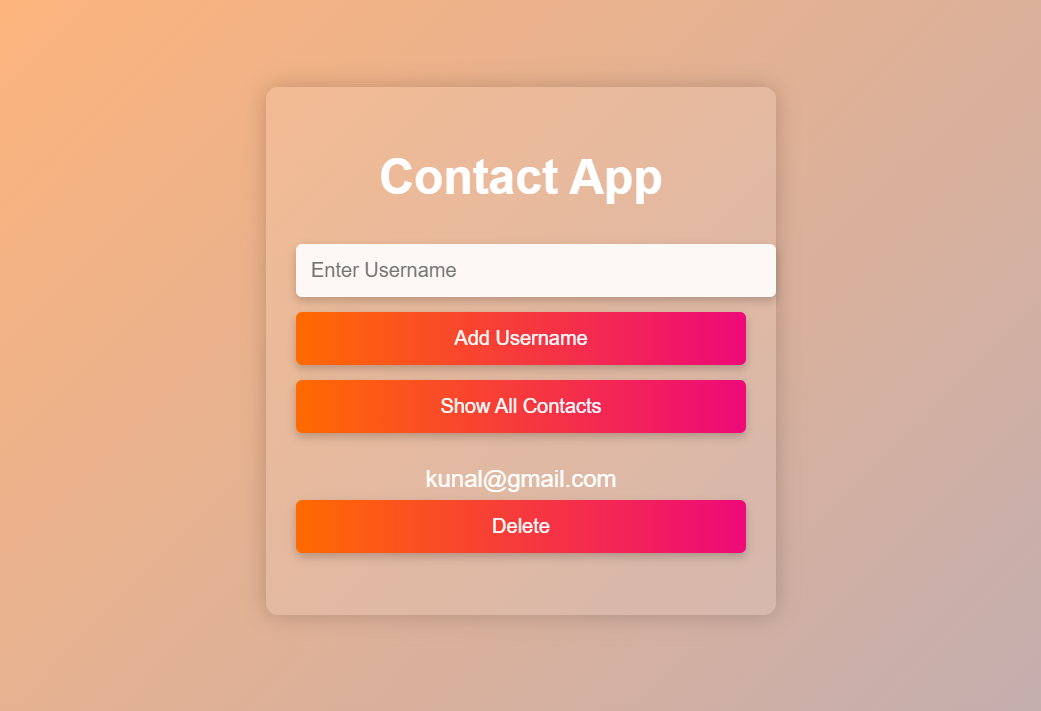
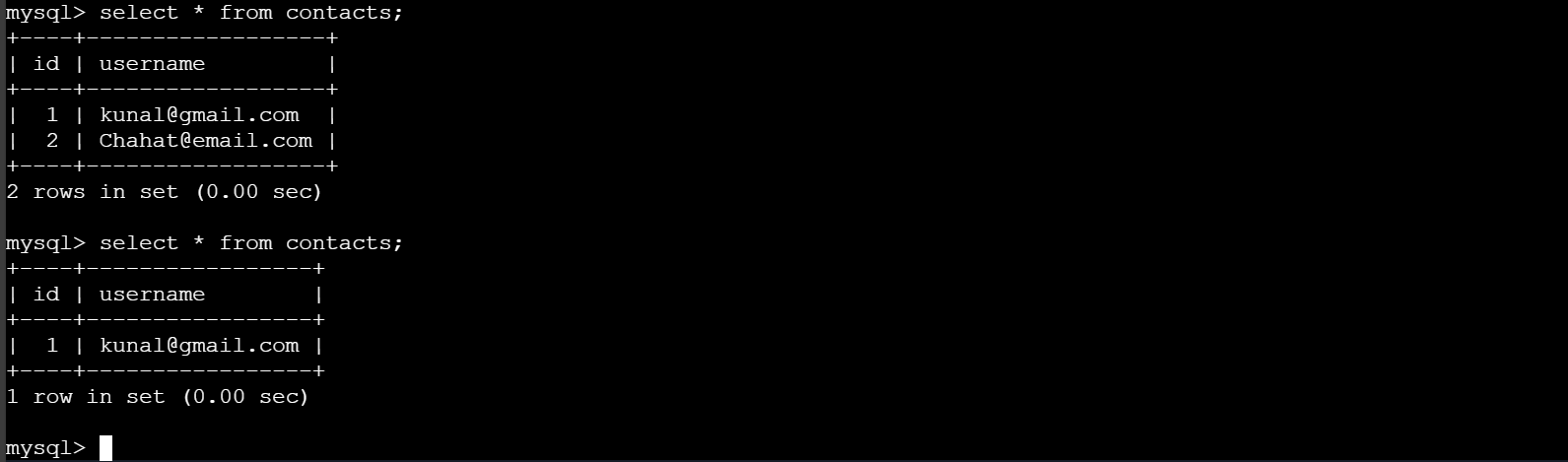
We will now check and add the data from MySql as well , we will run the below command.
sudo docker run -it --rm mysql:8.0 mysql -h "your_host_name" -u admin -pNow we can Run the basics Query of MySql to show the data available.
select * from contacts;
Automating Deployment with GitHub Actions
To make deployments smoother, I used GitHub Actions:
Created a workflow to build and push Docker images.
Configured the EC2 instance to pull updates and restart containers.
Automated deployments whenever I pushed changes to the repository.
Final Thoughts
Hosting a full-stack Node.js application with Docker on EC2 while using AWS RDS for the database made my deployment process efficient and scalable. If you’re working on a similar setup, I hope this guide helps!